
Online booking and patient portal for your practice.
With our software, you can advance digital dentistry and build multi-channel communication with your patients. How can you achieve this using our tools?

Online booking tools.
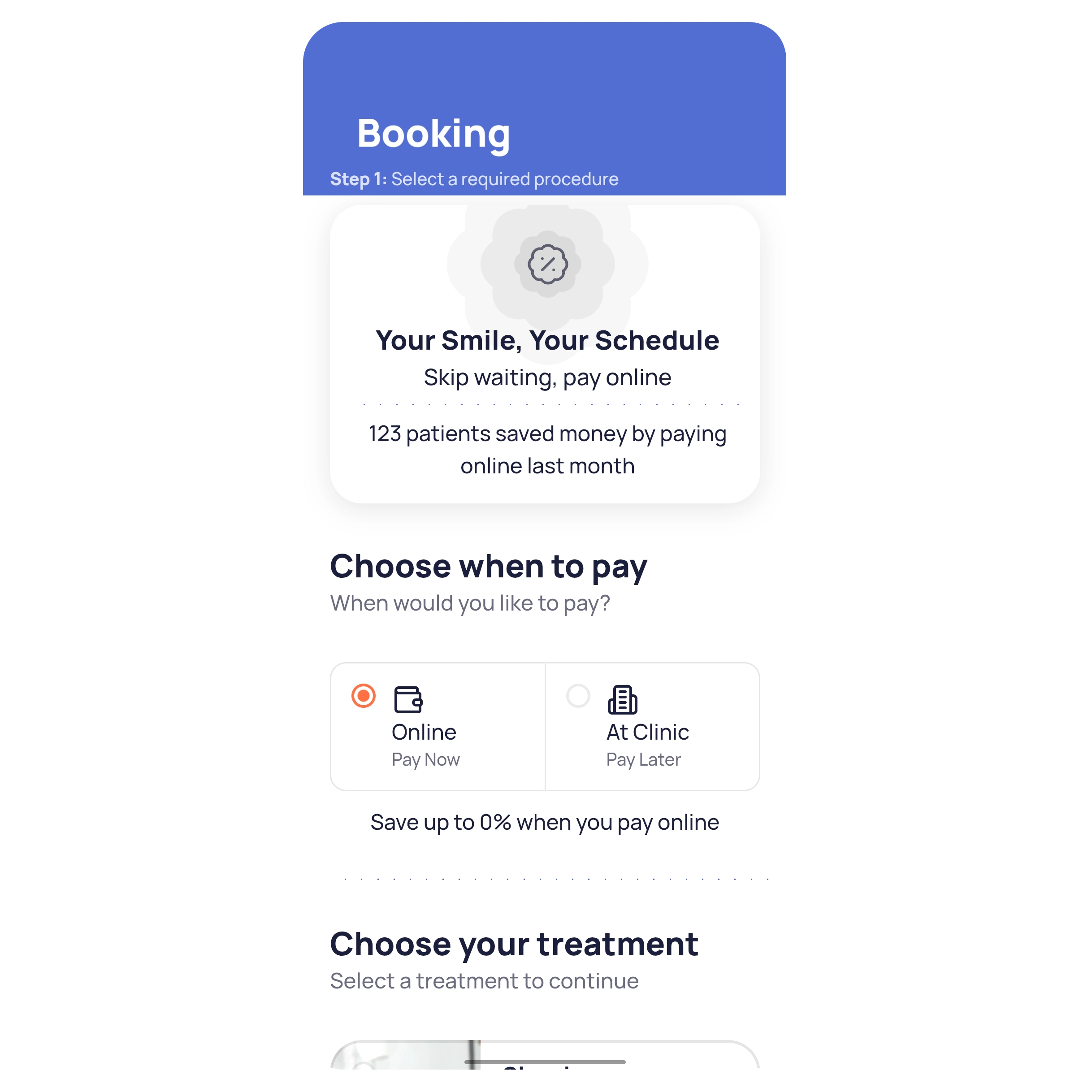
This tool helps reduce staff workload by decreasing the number of calls to the front desk and allows patients to book appointments online via the clinic’s website or social media pages 24/7. The features and setup steps for this tool are outlined below.
Please note that the proper functioning of the online booking form depends on certain settings, including doctors’ schedules, practice hours, procedures, and more.
1.
24-on-7 operation
2.
Flexible settings
3.
Website integration
4.
PWA Mobile version
Your link.
A unique URL is generated for the online booking form, which can be added as a button on your website or shared on social media.
Procedure templates.
Before enabling online booking, set up procedure templates. Patients can then select their desired procedures directly on the form.
Custom Design.
Personalize the booking form by adding a cover photo, customizing the page with an interactive story slider, and selecting the form’s main color.
The Patient Portal.
Enhance patient loyalty by making your practice more transparent. Accessible treatment data helps retain patients, while portal features allow them to track important information and never miss an appointment.
Patients can log in using either their phone number or medical record details.

Medical records.

Appointment log.
Patient Balance.
Online booking.

We are in the Top 10 dental software programs for 2022.


